Connector
To interact with an external app, it needs a connector. For popular apps, you can usually find a connector in our library of public connectors.For less popular apps, you can create a custom connector using Connector Builder or ask our Solutions team to do this for you (with a predictable cost and time).
Configuring Connectors
Some connectors may require you to configure them. In those cases, there will be configuration documentation you can follow: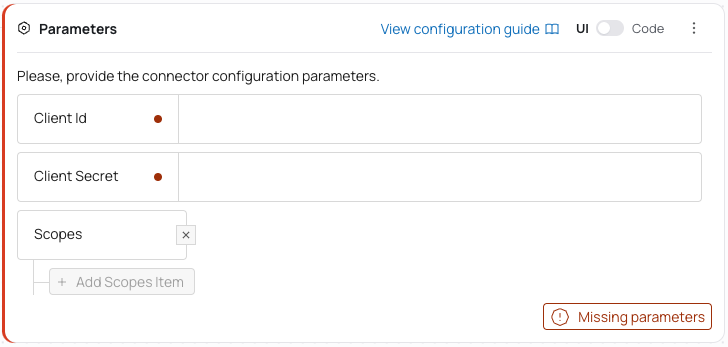
Connector Versions
All connectors are versioned. A connector will never be updated without your consent. You can rely on the connector logic to be unchanged as long as the version stays the same. If there is a new version of a connector available, you will see a notification and will be able to update it in one click: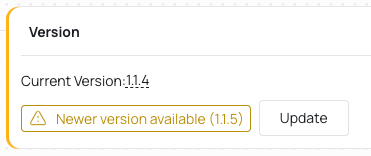
- If the last digit of the version is changed, it is a patch update. It usually includes bug fixes or minor improvements. It should be safe to update.
- If the middle digit is changed, it is a minor update. It usually includes new features or changes that are backward-compatible. It may include breaking changes, so you should read the changelog to see if it’s safe to update.
- If the first digit is changed, it is a major update. It usually includes breaking changes. You should review the changes and test the integration before updating, or consider creating a new integration with the new connector version and deprecating the current one.
Switching Connectors
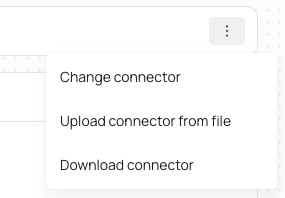
You can switch a connector used for this app to a different one. The most common scenario is switching between a public connector and a custom connector you’ve created.