

- Ability for your tenants to choose which data collection to use and configure its parameters.
- Share these settings between different actions and flows: they will be updated in all places simultaneously.
- Provide dynamic schemas for Field Mappings.
Universal and Integration-specific Data Sources
When you want to work with similar data in multiple applications, create a universal data source.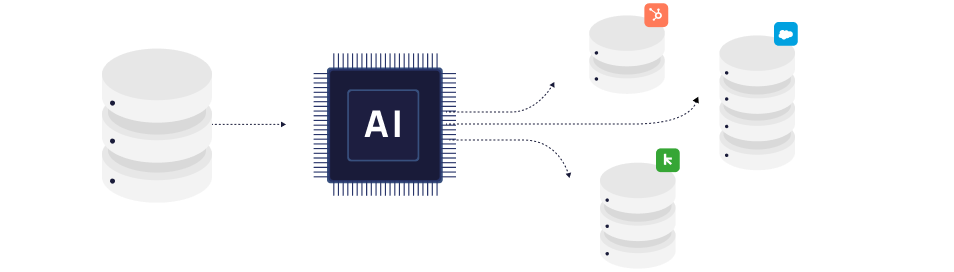
Tenant Instances
To actually interact with data, you need to create a Data Source Instance for a specific Connection. Through a Data Source Instance, you can navigate data, get information about the collection, read and write data, and react to events. See more detail in the Data Source Instances article.Navigating Data Source
Depending on an application, there may be different ways of getting data, for example:- Application may have multiple similar objects (Task and Subtasks, or Leads and Contacts).
- There could be multiple lists of objects user may want to select.
- There could be custom objects user may use for a given integration.
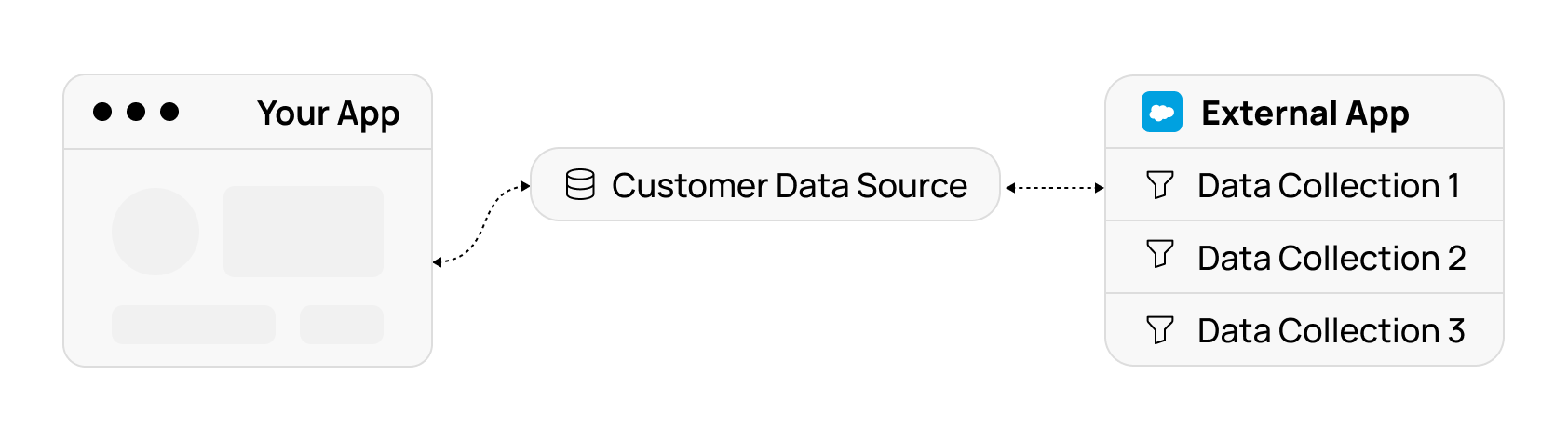
path field to point to a specific collection.
See Navigating Data Source Instance article for details.
Data Collection Specification
When a Data Source Instance is pointing to a collection, you can use itscollectionSpec property to get information about the collection:
- How do records look like (their fields schema with names, types, descriptions, and possible values).
- What operations are supported (create, update, delete, etc).
- What methods of receiving events are supported (real-time push, polling, etc.).