

Data Source Instance has the following properties:
Advanced Options
Data Sources can be configured with the following advanced options:- Pull Updates Interval – number of seconds between each pull for updates such as new events (except events that require Full Sync). Setting it lower will increase the number of API requests and may result in hitting rate limits.
- Full Sync Interval – number of seconds between full syncs of the data source. Full Sync is a very heavy operation since it pulls ALL the data from the data source. It generates events for subscriptions that require Full Sync.
API
Here is how to interact with data in external applications using Data Sources.Create
Get
Update
Setup or Refresh
Reset
Archive
Navigating Data Source Instances
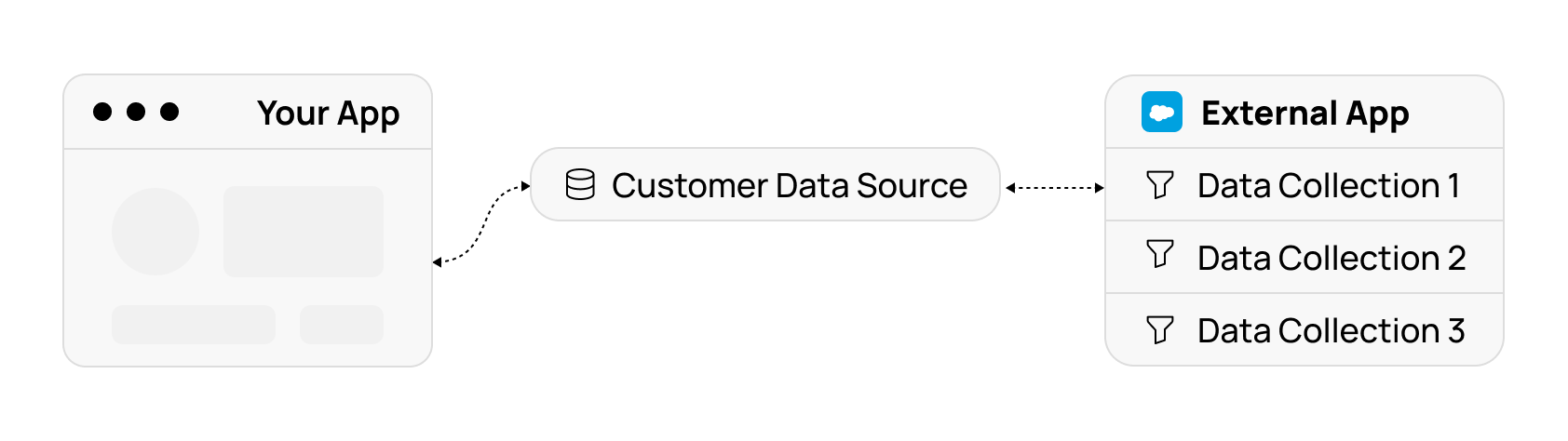
Data Sources point to Data Collections in external apps.They let you store and customize data collection and their parameters per tenant. This page describes how to navigate data sources and configure them for your tenants.
List Data Collections
To get the list of available data collections in a given connector:The response will contain a
locations property with a list of nested directories and collections.If there are too many to return at once, the response will also contain a
cursor property.
You have to pass it back to get the next page of results.
To list locations inside a specific directory, pass its path to the getLocations method.
Point Data Source to a Collection
When a Data Source is created, it will point to a default collection (if one exists in the external app). You can change it by updating thecollectionKey property of the Data Source:
You can only update the
collectionKey to point to a Collection. After you update collectionKey, accessing the data source’s collection uses the new path.
Data Collection Parameters
Some collections have parameters. For example, a collection “Tasks by Project” may have aprojectId parameter.
If a collection has parameters, it will have a parametersSchema property.It is a Data Schema for its parameters. To apply parameters to a data collection, add them as a query string to the
path property of the Data Source Instance, like this:
Working with Data
You can read and write data records using a Data Collection identified by thecollectionKey property of the Data Source Instance.
Multiple Data Source Instances per Connection
By default, each pair of Connection and Data Source will have only one Data Source instance.If you change it (for example, set a
collectionKey), it will apply to every place you use a given Data Source with a given connection.
In some cases you may want to create multiple Data Source Instances for the same Connection and Data Source—for example, if you have multiple locations you want to import. This can be achieved by providing
instanceKey when accessing a Data Source. Each instanceKey will create a new Data Source Instance.